
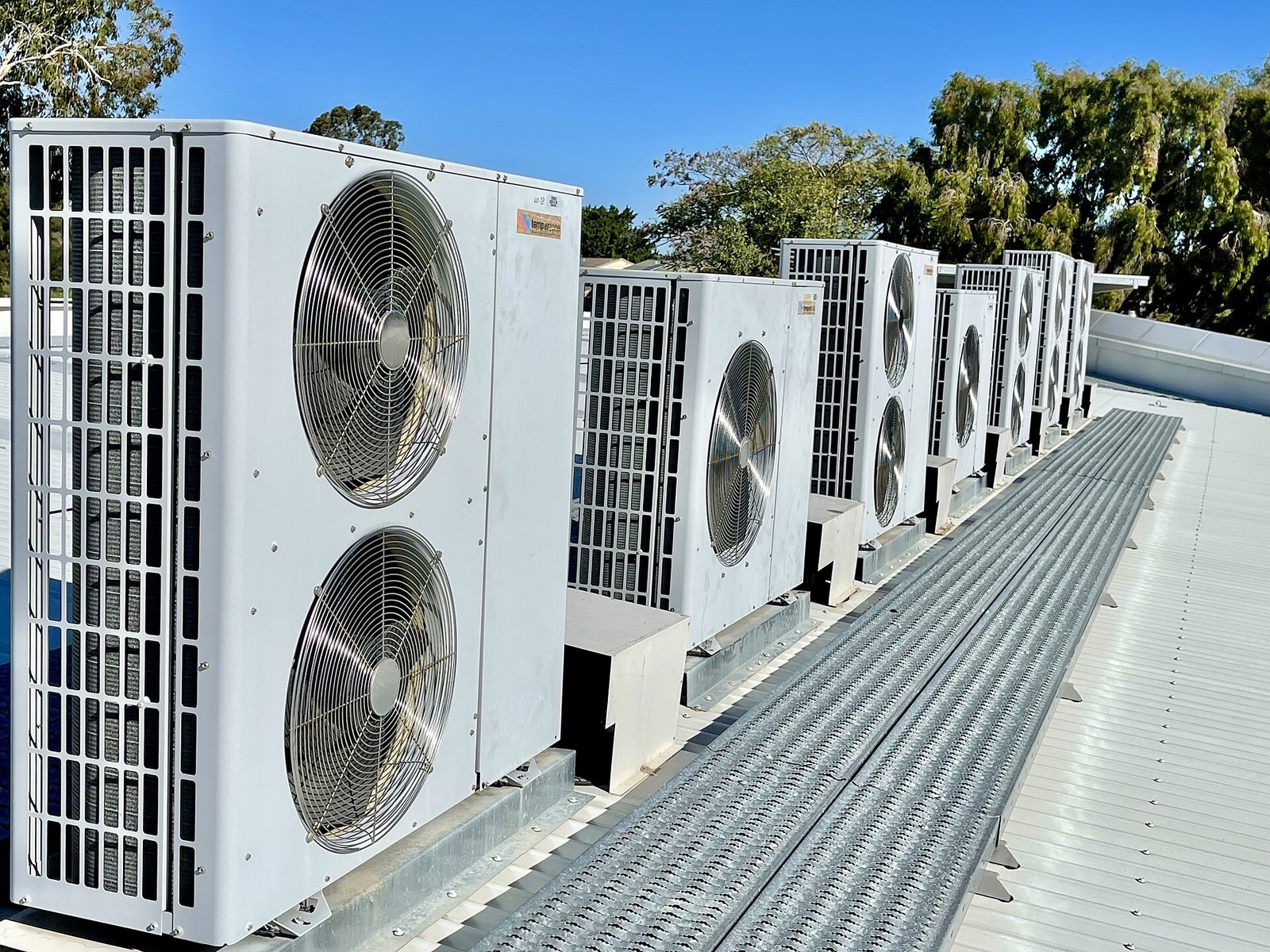
A commercial rooftop unit fails on a Tuesday. The tech fixes it, the customer is happy, and three weeks later the warranty claim comes back rejected because the model and serial were never recorded and nobody photographed the failed part. The repair was fine. The record was not.
What a warranty claim actually needs
Manufacturers are consistent about this, whatever the brand: the model number, the serial number, the installation date if it is a young unit, a description of the failure, the parts used, and the labour. Some want photographs. Some want the failed component returned. All of them reject a claim that cannot identify the equipment.
Every one of those fields is captured in the first ten minutes of the visit, or it is reconstructed later from memory. Reconstruction is where claims die.
Where the record breaks
- The tech takes the photo on a personal phone and it never reaches the office.
- The model plate is behind a panel and nobody climbs back up to read it.
- The labour hours are written on a paper ticket that goes into a van door pocket.
- The refrigerant charge is recorded on a sticker, not in the system.
- The property manager wants a report, and the office rebuilds it from texts.
None of that is laziness. It is a process where the record and the work happen in different places, and the record loses.
The commercial difference
A residential customer rarely asks for documentation. A property management company almost always does, because they are answering to an owner. They want to know what was found, what was done, what it cost and what is likely to fail next. That report is the reason they keep you on the list.
If producing it takes an hour of the office manager's afternoon, it will not happen every visit. If it takes no time, because the data was captured on the job, it becomes a reason you get renewed.
Five fields that make the record
- Equipment identity. Model, serial, and where on the roof. A photo of the plate is worth more than typing.
- Reading at arrival. Pressures and temperatures, not "low on charge".
- What failed, and what was replaced. Part numbers if there are any.
- Labour, honestly. Travel, diagnosis, repair, test. Separately.
- Next action. What the customer should expect, and when.
Five fields, captured once, cover the warranty claim, the invoice, the property manager's report and the next tech's visit.
What automation can and cannot do
It can generate the job note from the technician's dictation, attach the photos to the right job, put the serial into the equipment history, prepare the invoice in your template, and send the property manager their report the same day. That is OpsFlow, and it is deliberately boring work.
It cannot decide that a compressor is failing, or that the customer should replace rather than repair. Those stay with the person on the roof. The point is to stop the person on the roof from also being the data entry clerk.
Start with the field you always miss
Most companies know which field they lose. It is the serial number, or the labour hours, or the property manager's report. Pick that one, make it mandatory for a month, and measure how many claims or invoices come back. The number will tell you whether the rest is worth automating.
For the wider front office picture, read what HVAC AI does in a service business, or see the five systems.
OpsFlow: Paperwork eats the evening. Quotes, invoices and job notes are written in the background.
This is the system that handles what this article describes. See how it works, what is included, and the expected outcome.
New to the category? Start with HVAC AI, explained for contractors: what it covers, what it does not, and how to choose a partner.
See where this would help in your business.
Book a free consultation and we will review your calls, leads and admin, then tell you honestly what is worth automating.